Delete Objects from Photos
One Click
AI auto-detects every object in your photo. Click the one you want gone. No brushes, no masks, no Photoshop degree required.
Press Enter to start editing — no account required
Three commands. Zero learning curve.
 $ upload
Drop your photo
Drag and drop or paste from clipboard. BOARD accepts JPG, PNG, WebP, and HEIC up to 50MP. Processing begins instantly on upload.
 $ detect
AI maps every object
Our vision model identifies and outlines every distinct object in the scene. People, signs, cars, trash cans, power lines—everything gets detected automatically.
 $ remove
Click & done
Click any highlighted object. AI reconstructs what was behind it using context-aware inpainting. Download your clean photo at full resolution.
What makes BOARD different
Object-Oriented Selection
No manual lasso tools. No brush selection. AI recognizes object boundaries at the pixel level so you just point and click on the thing you want gone.
One-Click Removal
Select the detected object, hit remove. The AI inpaints the background seamlessly in under 3 seconds. No waiting, no rendering queue.
Full Scene Understanding
BOARD understands depth, lighting, and perspective. Reconstructed areas match the scene naturally—no visible seams or artifacts.
Multi-Object Removal
Select multiple objects at once. Remove an entire crowd, or just one person from a group photo. You control the scope of every edit.
Full Resolution Output
What you upload is what you get back. No downscaling, no compression, no quality loss, no watermarks. Your original resolution preserved.
Process & Purge
Photos are processed in memory and deleted immediately after your edit completes. We never store, train on, or share your images. Period.
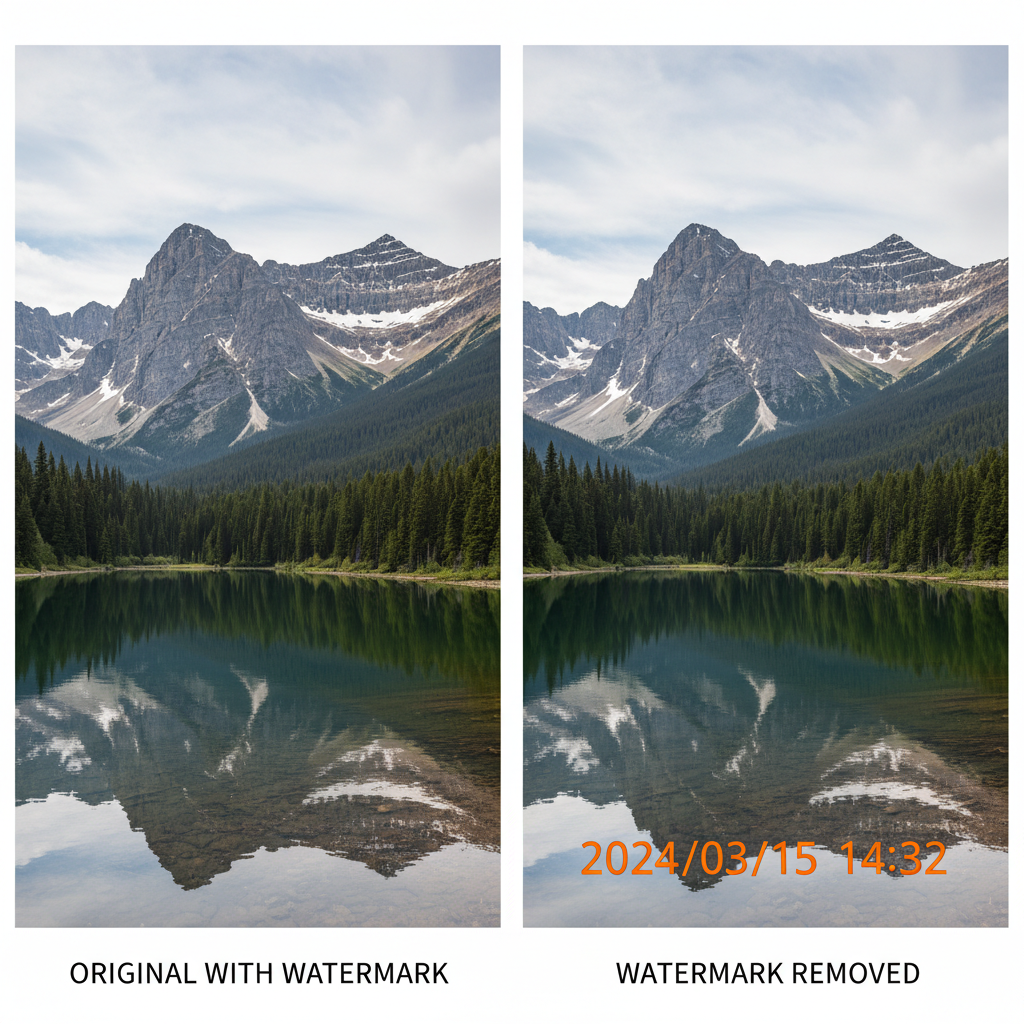
git diff --before --after
Beautiful sunset photo at the beach.
+ random stranger walking through frame
+ trash can on the right edge
+ power lines crossing the sky
+ construction cone in foreground
status: cluttered
Beautiful sunset photo at the beach.
- distractions removed [4 objects]
- background reconstructed
- original resolution preserved
- processing time: 2.8s
status: clean
BOARD vs. the alternatives
| Feature | BOARD | Photoshop | Remove.bg | Cleanup.pictures |
|---|---|---|---|---|
| Auto object detection | ✓ | × | × | × |
| One-click removal | ✓ | × | × | × |
| No brushes/masks needed | ✓ | × | ✓ | × |
| Remove any object type | ✓ | ✓ | × | ✓ |
| Full resolution output | ✓ | ✓ | ✓ | × |
| No subscription required | ✓ | × | × | ✓ |
| Learning curve | None | Steep | Low | Moderate |
| Price per edit | ~$0.50 | $23/mo | $0.90+ | $5/mo |
See BOARD in Action
Real results from real photos.
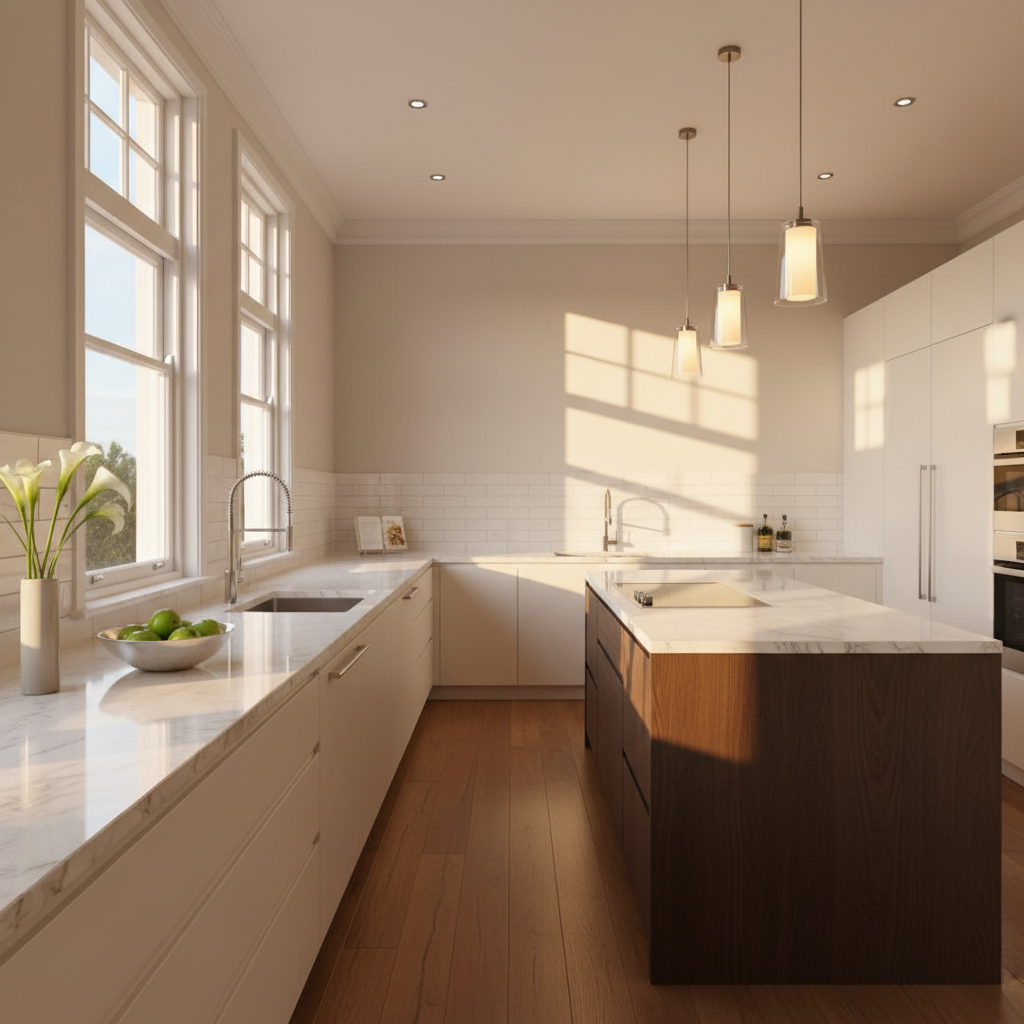
Real Estate Photo Cleanup

Travel Photo Cleanup
What users say
"I used to spend 20 minutes in Photoshop removing tourists from my travel shots. BOARD does it in 3 seconds. Literally just click. Game changer for my Instagram feed."
Travel Photographer
"The object detection is scary good. It outlined a tiny bird on a wire that I didn't even notice. Clicked it, gone. Background filled in perfectly. No artifacts."
Software Engineer
"We use BOARD to clean up product photos for our e-commerce store. Removed our entire old shoot backdrop workflow. Saves us hours every single week."
E-commerce Manager
Pay per edit. No subscriptions.
Free Tier
$0 / 5 credits
Try BOARD with 5 free object removals. No credit card required. No strings attached.
- 5 free removal credits
- Full resolution output
- All object types supported
- No watermarks
- No account required to start
Credit Packs
~$0.50 / edit
Buy credits in bulk. Use them whenever you want. They never expire.
- 10 credits — $5
- 50 credits — $22
- 100 credits — $40
- Credits never expire
- Priority processing
- Bulk discount available
Frequently asked questions
Ready to clean up your photos?
Start with 5 free credits. No account needed. No strings attached. Just upload a photo and click what you want gone.
Launch BOARD — It's Free →$ board --start --credits=5 --cost=free