Point. Click. Gone.
AI Photo Object Removal
Upload any photo. BOARD's AI instantly detects every object. Click the one you want gone. No brushes, no masks, no learning curve.
Three steps to a clean photo
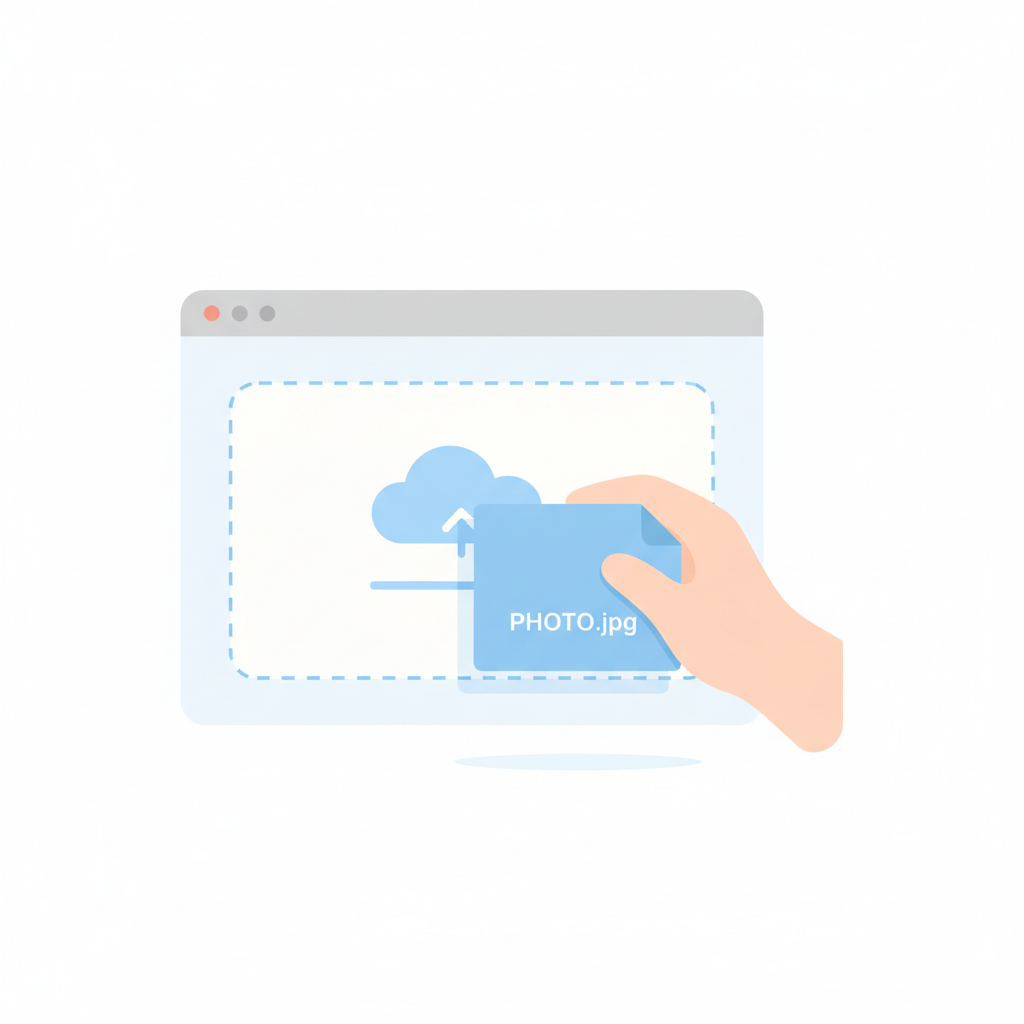
Upload Your Photo
Drag and drop any image into BOARD. We support JPG, PNG, WebP, and HEIC files up to 50 megapixels. Processing begins the moment your file lands.

AI Detects Objects
Our vision model scans the scene and highlights every distinct object—people, vehicles, signs, clutter, animals, furniture—all outlined in seconds.

Click to Remove
Click any highlighted object. The AI removes it and seamlessly reconstructs the background using context-aware inpainting. Download your clean photo instantly.
Built for effortless editing
Object-Oriented Selection
Unlike brush-based tools, BOARD sees objects the way you do. The AI identifies discrete elements in your scene, so you click whole objects instead of painting pixel by pixel. It is a fundamentally different approach to photo editing that removes the skill barrier entirely.
Instant Removal
One click, 3 seconds. The background fills in automatically with AI-generated content that matches the original scene's lighting and perspective.
Full Resolution
No downscaling, no compression, no watermarks. Your original quality is preserved pixel for pixel on every single edit.
Multi-Object Mode
Select several objects at once and remove them in a single pass. Clean up busy scenes, crowded tourist spots, or cluttered backgrounds in one edit.
Private by Design
Photos processed in memory, deleted immediately after your edit. Never stored, never shared, never used for model training. Your images remain yours.
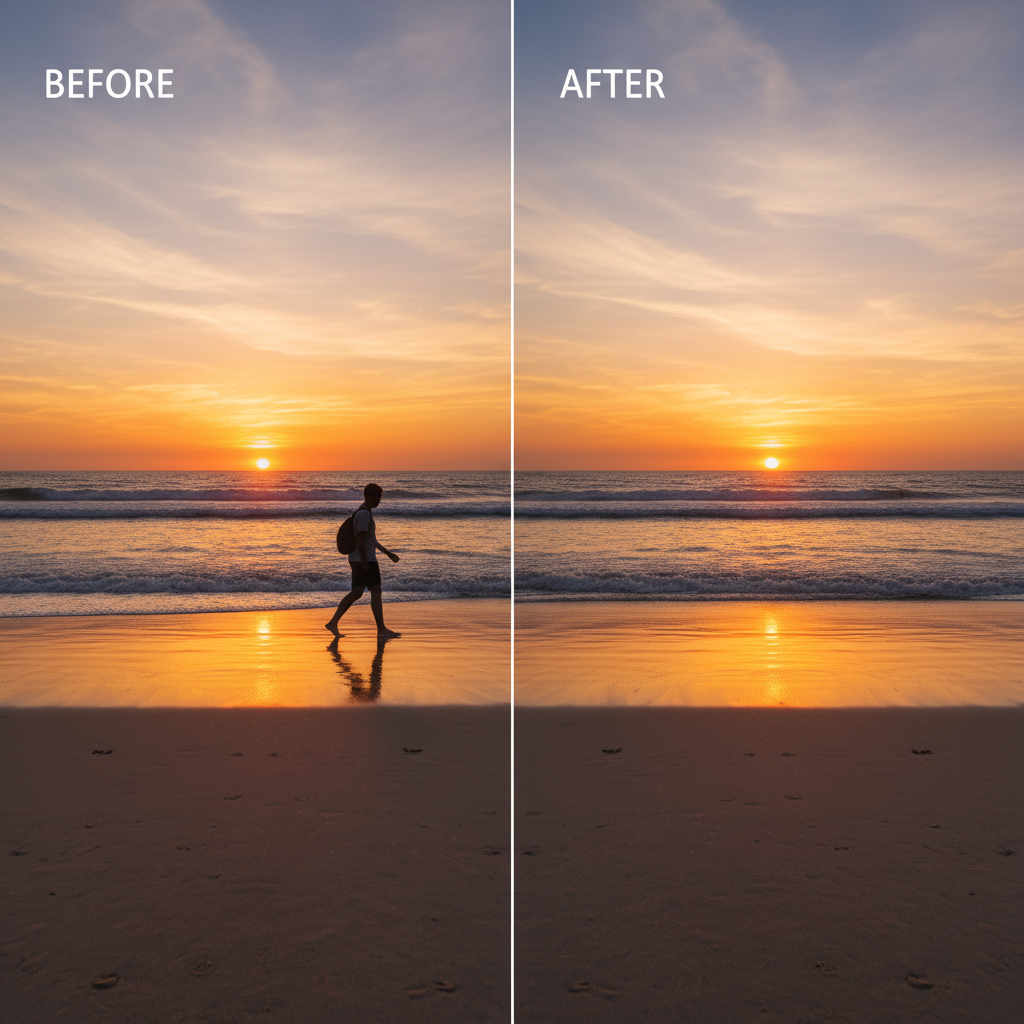
Before and after, side by side
The original photo
- Stranger photobombing the shot
- Distracting trash can at the edge
- Power lines crossing the sky
- Construction sign in background
Clean, natural result
- All 4 distractions removed
- Background seamlessly reconstructed
- Original resolution preserved
- Edited in under 10 seconds
Why people choose BOARD
BOARD
- ✓ Auto object detection
- ✓ One-click removal
- ✓ No brushes needed
- ✓ Any object type
- ✓ Full resolution
- ✓ ~$0.50/edit
Photoshop
- × Manual selection
- × Complex workflow
- × Brushes required
- ✓ Any object type
- ✓ Full resolution
- × $23/month
Remove.bg
- × No object detection
- ✓ One-click
- ✓ No brushes
- × Backgrounds only
- ✓ Full resolution
- × $0.90+/edit
Cleanup.pictures
- × No object detection
- × Manual brushing
- × Brush required
- ✓ Any object type
- × Limited free res
- × $5/month
See BOARD in Action
Real results from real photos.
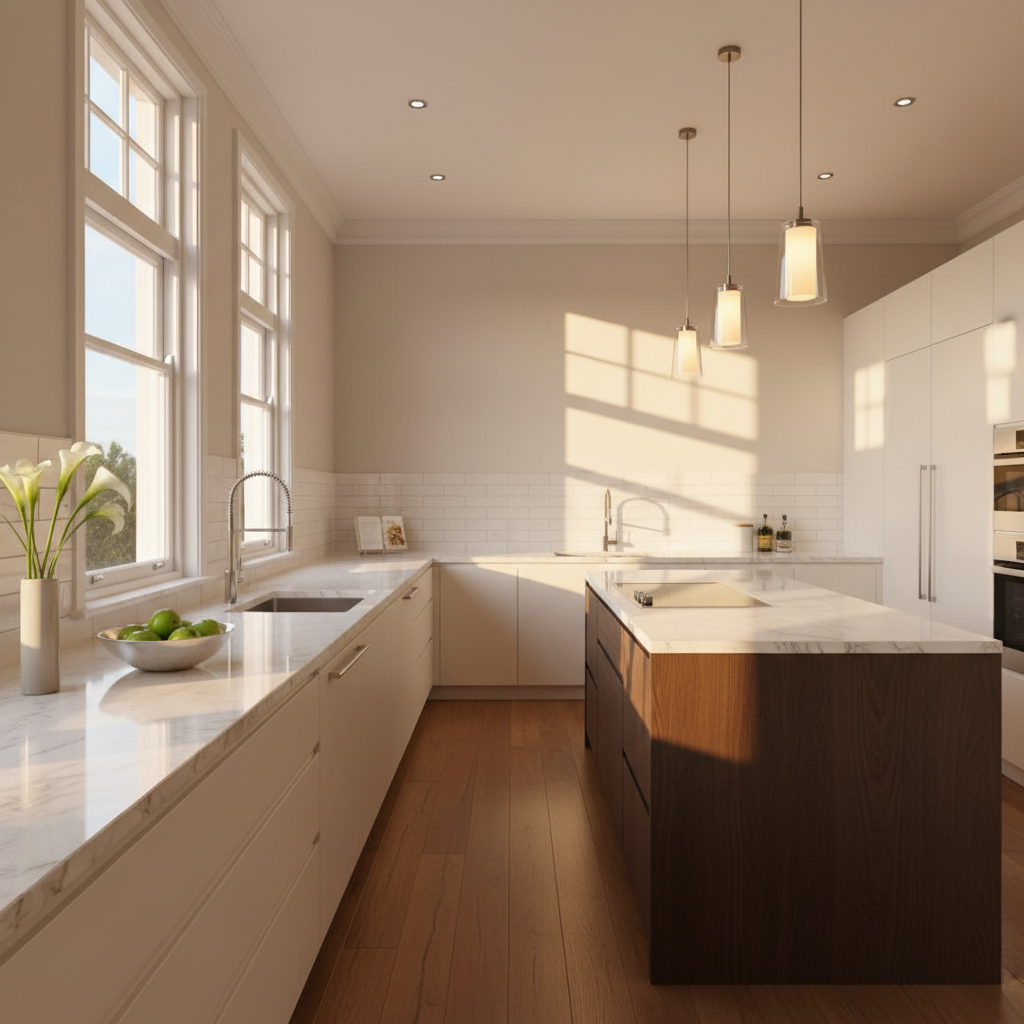
Real Estate Photo Cleanup
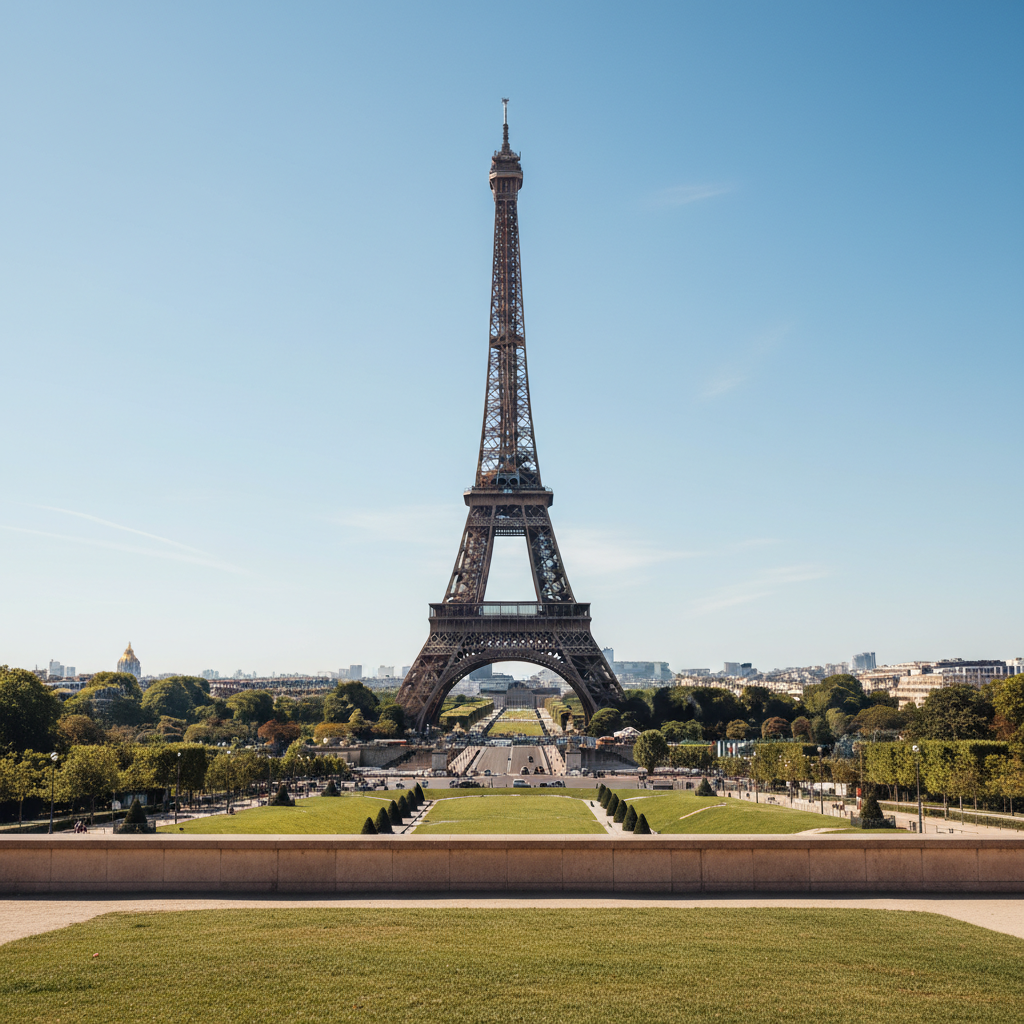
Travel Photo Cleanup
Trusted by photographers worldwide
"I removed 12 tourists from my Santorini photos in under a minute. BOARD made every shot look like I had the whole island to myself. Absolutely essential for travel photography."
"The object detection is incredibly precise. It outlined individual people in a crowd. I just clicked the ones I wanted gone. The background reconstruction was flawless."
"We clean up product photography for 200+ listings per week. BOARD cut our editing time by 80%. The ROI paid for itself on the first day we used it."
Simple, honest pricing
Free Starter
$0 / 5 credits
Try BOARD risk-free with 5 complimentary object removals. No credit card, no account needed to get started.
- 5 free removal credits
- Full resolution output
- All object types supported
- No watermarks
- No account required
Credit Packs
~$0.50 / edit
Buy credits in bulk. They never expire. Use them at your own pace whenever you need them.
- 10 credits — $5
- 50 credits — $22
- 100 credits — $40
- Credits never expire
- Priority processing
Questions & answers
Your photos deserve to be distraction-free
Start with 5 free credits. No account required. Upload a photo, click what you want gone, and download the clean result in seconds.
Try BOARD Free →