AI-Powered Object Removal

Keep the photo. Remove the distraction.

Upload any photo. AI detects every object automatically. Click the one you want gone. Watch it vanish. No brushes, no masks, no skills needed.

5 free edits. No signup. 150,000+ photos cleaned.

See BOARD in Action

Real results from real photos.

Real estate photo cleanup with BOARD

Real Estate Photo Cleanup

Travel photo cleanup with BOARD

Travel Photo Cleanup

150K+
Photos Edited
4.9★
User Rating
<3s
Average Edit
50K+
Happy Users

Three clicks. Zero learning curve.

BOARD replaces the entire Photoshop workflow with a single, intelligent interface. No tutorials, no layers, no masks.
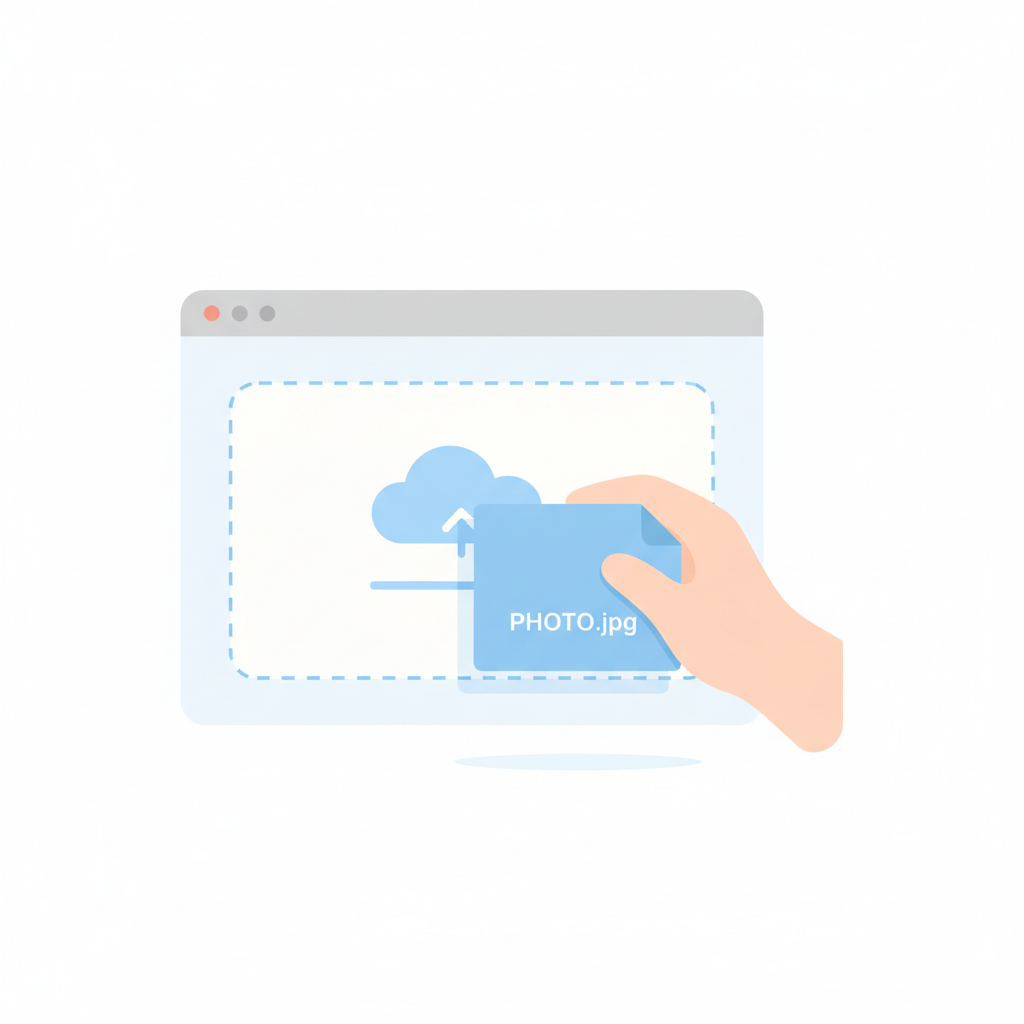
1
Upload your photo to BOARD

Upload Your Photo

Drag and drop or tap to upload. JPG, PNG, WebP — all supported up to 20MB.

2
AI automatically detects objects in your photo

AI Detects Objects

Our AI instantly identifies every object in your image — people, vehicles, signs, animals, anything.
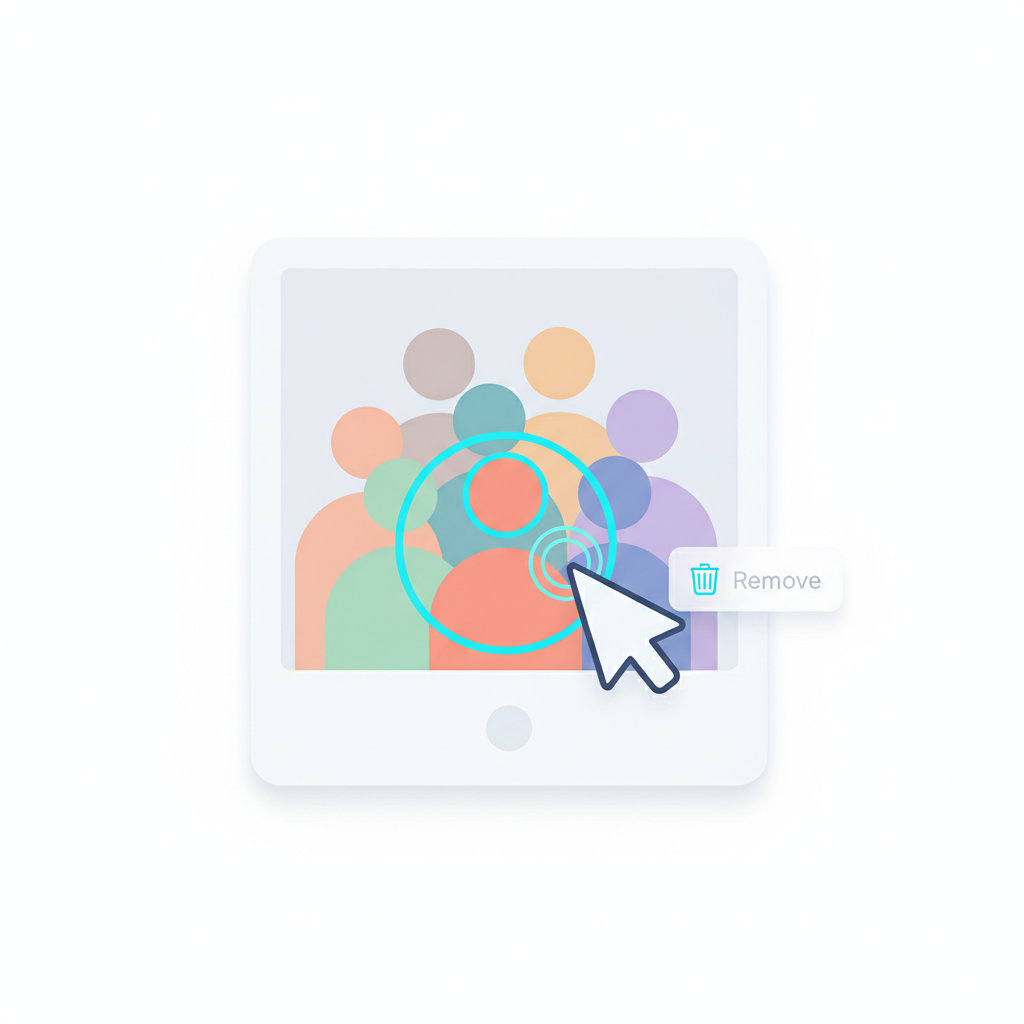
3
Click to select and remove unwanted objects

Click to Remove

Tap the object you want gone. AI fills in the background naturally. Download your clean photo.

Duotone Power. Split-Second Results.

Every feature designed to make object removal effortless and instantaneous.

🎯
Core

Object-Oriented Detection

Unlike brush-based tools, BOARD understands objects. It knows the difference between a person, a tree, and a lamppost. Just click.

Speed

Sub-3-Second Processing

Most edits complete in under 3 seconds. No loading bars, no waiting. Click, remove, done.

🧠
AI

Context-Aware Fill

AI doesn't just erase — it intelligently reconstructs the background based on surrounding context. Results look natural.

📱
Mobile

Works Everywhere

Full-featured in any browser. Desktop, tablet, phone — same powerful experience. No app download needed.

🔒
Privacy

Photos Stay Private

Your photos are processed and deleted. We never store, share, or use your images for training. Period.
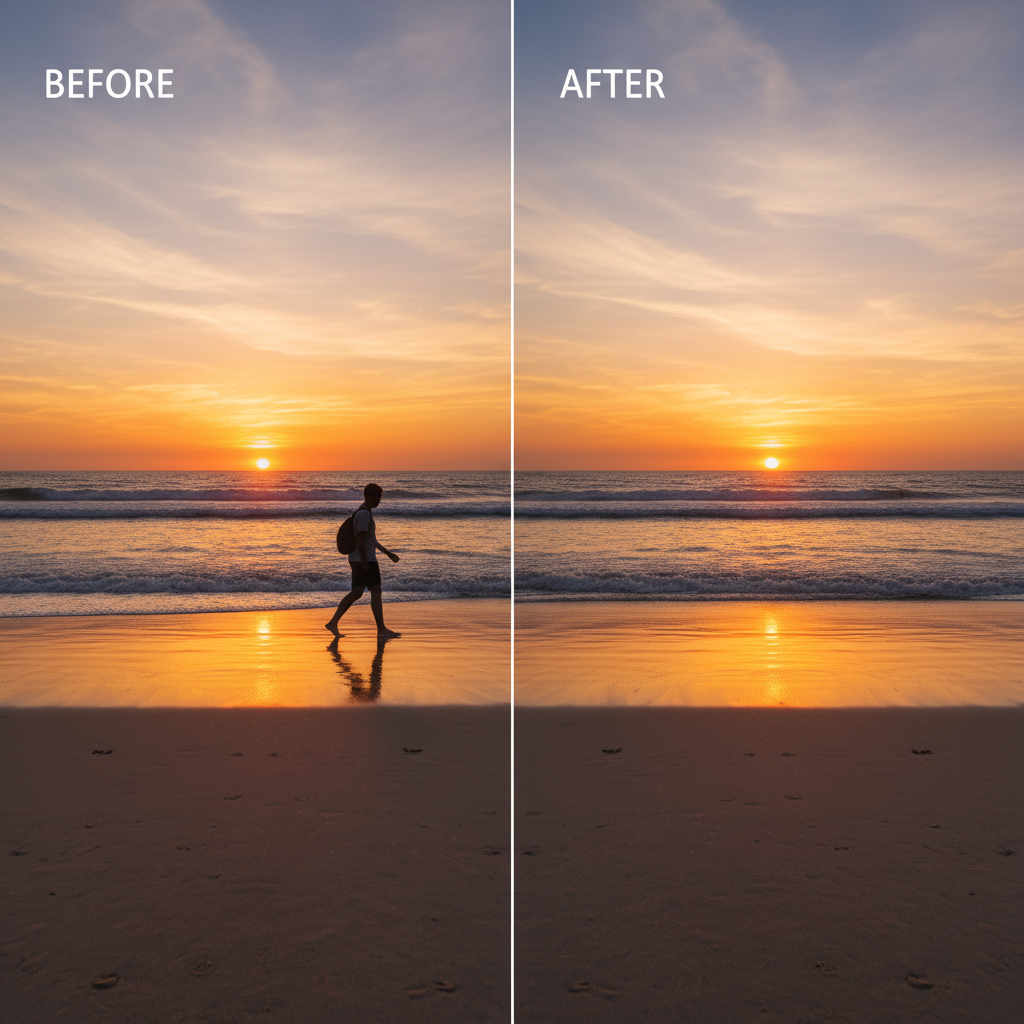
Before and after photo showing AI object removal - person cleanly removed from beach photo
📸
Tourist-packed landmarkStrangers, signs, distractions everywhere
Clean, perfect shotJust you and the landmark. Like nobody else was there.

BOARD

One-click object removal
AI auto-detects objects
No skills required
3-second results
Works in browser
From $0.50/edit

Traditional Editors

Manual brush selection
You find the edges yourself
Hours of tutorials needed
Minutes per edit
Heavy desktop app
$20+/month subscription

Two sides of every story. Ours is the clean one.

Join 50,000+ photographers, realtors, and creators who've switched to BOARD.

"I removed a photobomber from my wedding photos in literally 2 seconds. This would have taken me 20 minutes in Photoshop."

Sarah K.
Wedding Photographer

"My real estate listings look 10x better. I remove trash cans, cars, anything that distracts from the property. Clients love it."

Marcus T.
Real Estate Agent

"As a content creator, speed matters. BOARD lets me clean up product shots in seconds, not hours. Total game-changer."

Priya R.
E-commerce Seller

Simple. Split-clean pricing.

No subscriptions. No hidden fees. Buy credits when you need them. Every edit costs roughly the same as a gumball.

Start Free →
START FREE

Try BOARD Today

5 free credits
  • Full AI object detection
  • High-resolution downloads
  • No watermarks
  • No signup required
Get Started Free

Then credit packs from ~$0.50/edit

Questions? We've split the answers for you.

Everything you need to know about BOARD, from pricing to privacy.

How does BOARD remove objects from photos?
BOARD uses AI to detect every object in your photo automatically. Click on anything you want removed — a person, sign, vehicle — and AI fills the background naturally. No brushes or manual selection required.
Is BOARD free to use?
Yes! You get 5 free credits immediately — no signup needed. After that, credit packs start at roughly $0.50 per edit. No subscriptions.
How is BOARD different from Photoshop?
Photoshop requires manual selection tools, layer masks, and expertise. BOARD auto-detects objects — you just click the one you want gone. It takes 3 seconds, not 30 minutes.
Can I remove people from photos?
Absolutely. BOARD detects people as individual objects. Click on any person and they'll be cleanly removed with the background reconstructed naturally.
Does BOARD work on mobile?
Yes, fully. BOARD runs in your mobile browser — no app download required. Same powerful features on phone, tablet, or desktop.
What photo formats does BOARD support?
JPG, PNG, and WebP. Most photos from phones and cameras work perfectly. Maximum file size is 20MB.

The left side had distractions. The right side doesn't.

That's what BOARD does to your photos. Try it free — 5 edits, no signup, no strings.

Remove Objects Free →

Join 50,000+ users. Trusted by photographers worldwide.