See BOARD in Action
Real results from real photos.

Real Estate Photo Cleanup

Travel Photo Cleanup
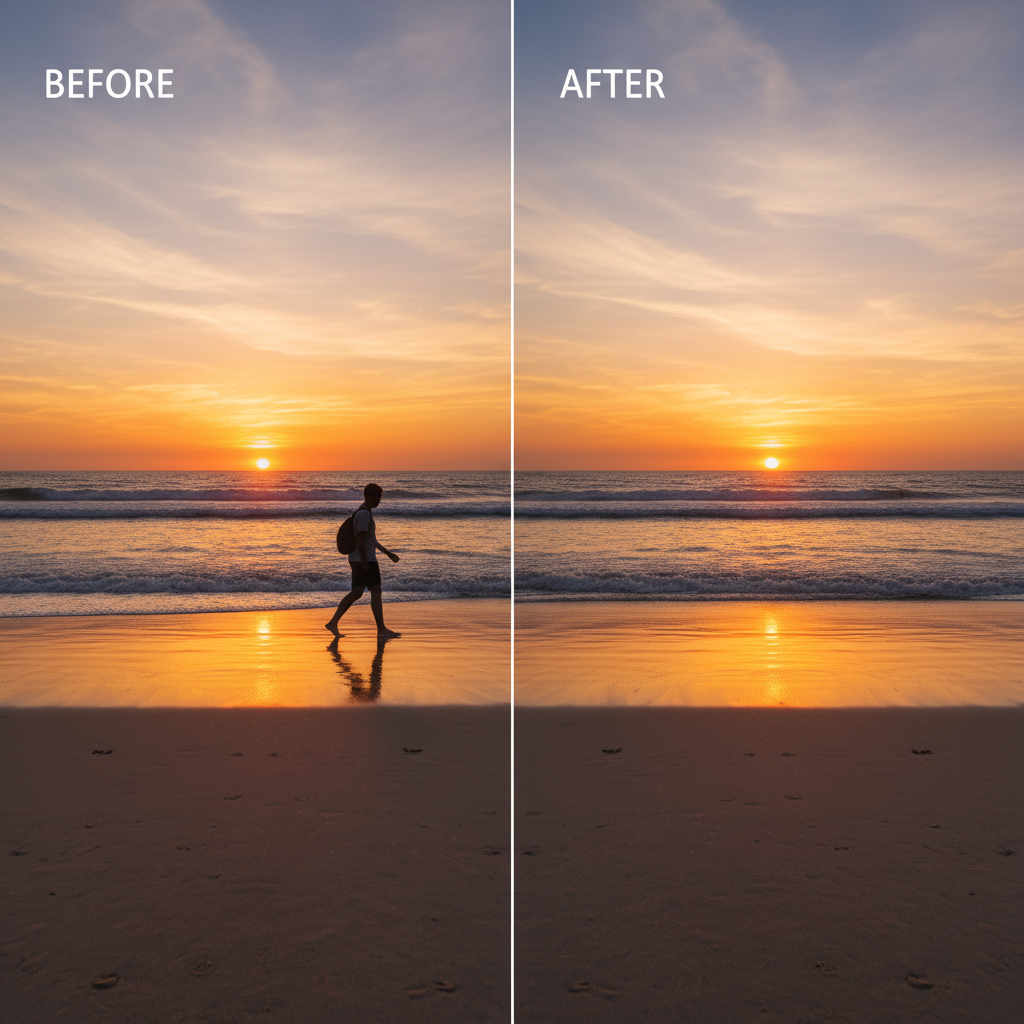
Upload any photo. AI auto-detects every object. Click the one you want gone. No brushes, no masks, no manual selection. Just results.
Real results from real photos.
Real Estate Photo Cleanup
Travel Photo Cleanup
Three dreamy steps to a perfect photo
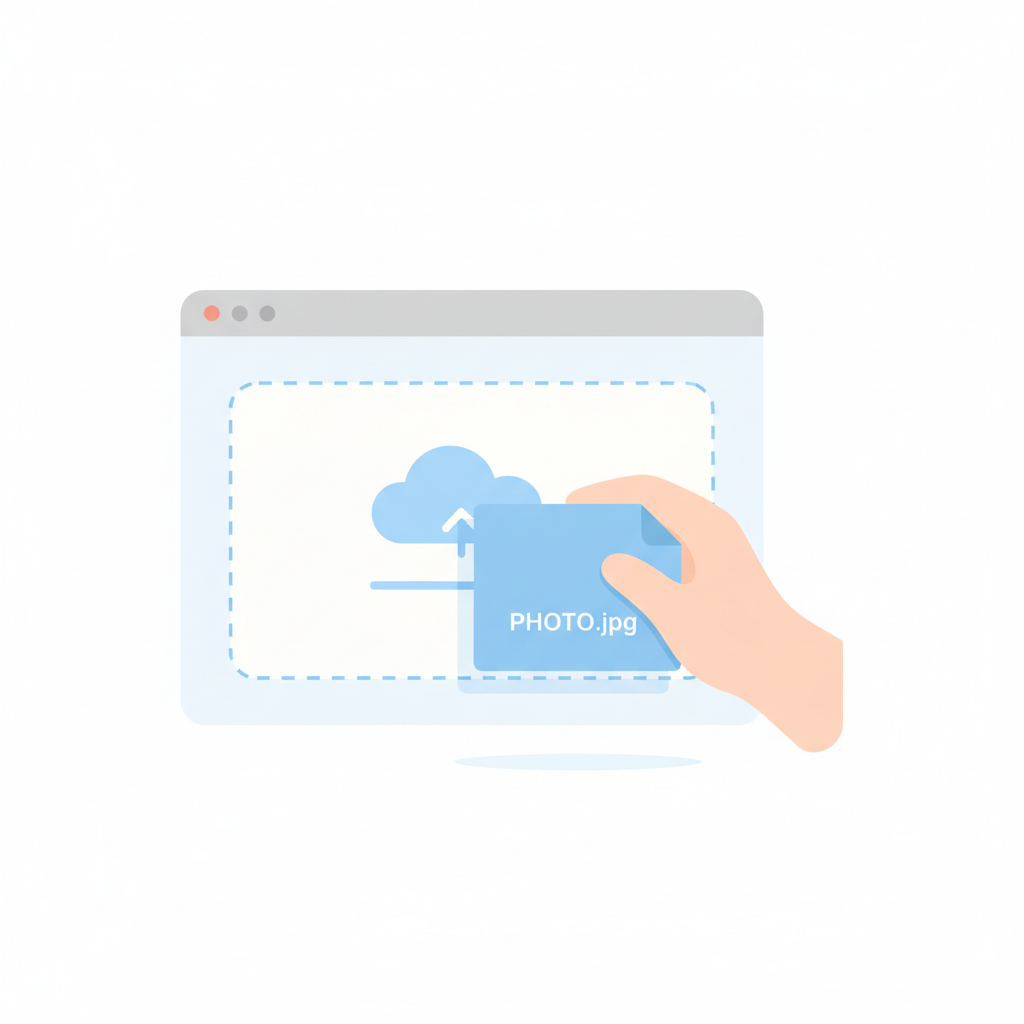
Drag and drop any JPG, PNG, or WebP. No account required for your first five free edits.

BOARD instantly identifies every person, vehicle, sign, animal, and object in your image.

Select the detected object. It vanishes. Background fills in naturally. Download your clean photo.
The features that make object removal feel magical
AI scans your photo and identifies every distinct object. Zero manual work.
Click any detected object to erase it. Background fills seamlessly.
Upload to finished edit in moments. No waiting, no queues.
No compression, no watermarks. Get your edited photo at original quality.
Zero brushes, masks, or layers. If you can click, you can use BOARD.
Browser-based. Desktop, tablet, phone. No installs ever needed.
One click, one transformation
See why people switch
| Feature | BOARD | Photoshop | Canva | Free Apps |
|---|---|---|---|---|
| Auto object detection | Yes | No | No | No |
| One-click removal | Yes | No | No | No |
| No learning curve | Yes | No | Yes | Yes |
| Full resolution | Yes | Yes | No | No |
| No subscription | Yes | No | No | Yes |
| Under 10 seconds | Yes | No | No | No |
Real stories from real people
Removed a random stranger from our vacation selfie in seconds. My Instagram followers thought we had the beach to ourselves.
I shoot real estate. BOARD removes wheelie bins and parked cars from listing photos faster than I can blink. Absolute game changer.
My mom wanted her ex removed from family photos. BOARD did it perfectly. Best $5 I ever spent. She cried happy tears.
No subscriptions. Buy credits when you need them.
Everything you need to know
BOARD uses cutting-edge AI that scans your uploaded photo and identifies every distinct object automatically. You never draw or select anything manually.
You get 5 free credits with no signup. After that, credit packs start at about $0.50 per edit. No subscription required.
Yes. People are detected as objects. Click on anyone and BOARD removes them, filling in the background naturally.
That is the whole point of BOARD. No brushes, no masks, no layers. Just click the object you want gone. Anyone can use it.
Upload JPG, PNG, or WebP images. You get back a full-resolution edited photo in the same format.
Most removals finish in under 10 seconds. Upload, click the object, done.
5 free edits. No signup. No credit card. Just upload and click.
Start Editing Free