See BOARD in Action
Real results from real photos.

Real Estate Photo Cleanup

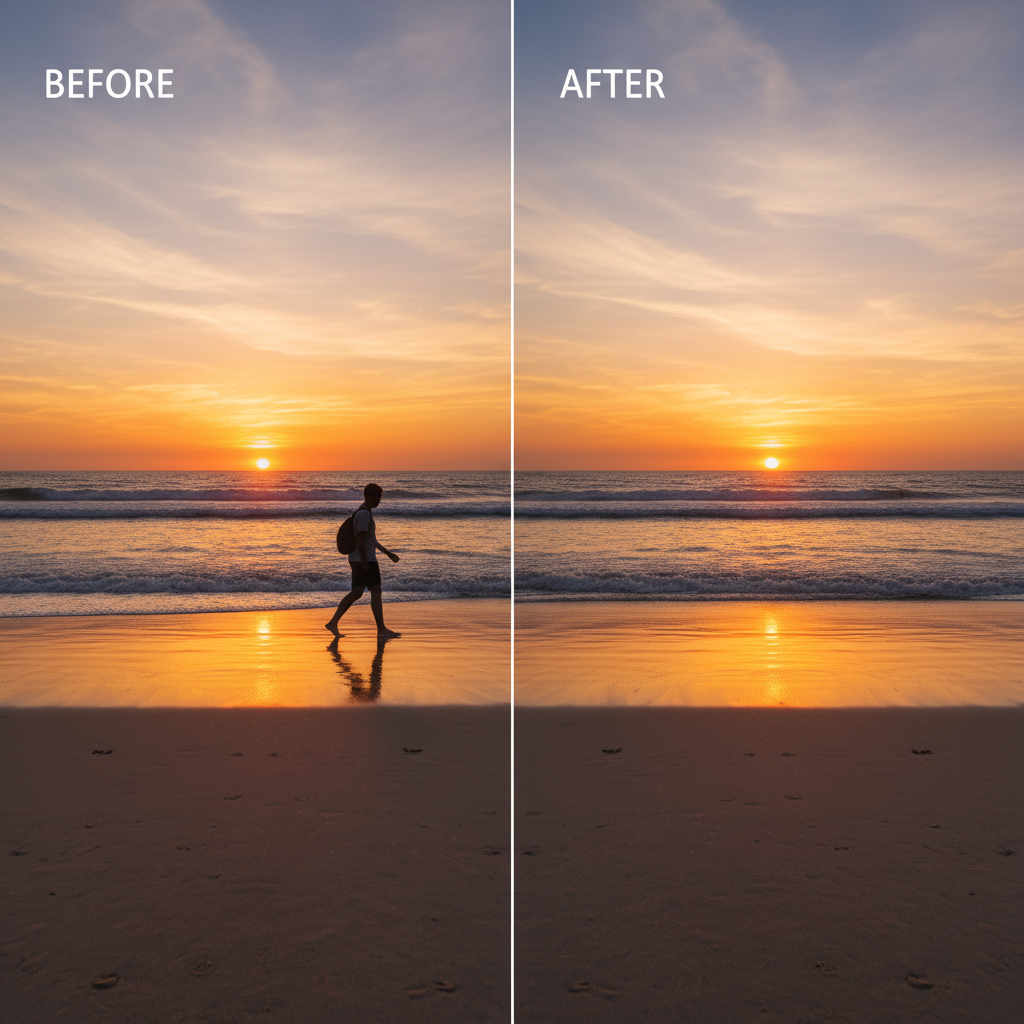
Travel Photo Cleanup
A new kind of photo editor has arrived, and it does not ask you to learn Photoshop. BOARD uses artificial intelligence to detect every object in your image. People, signs, trash cans, photobombers, power lines. Click the one that does not belong, and it vanishes. The photo stays perfect.
No brushes. No masks. No manual selections. Upload, click, done. Five free edits to prove it works.
Start Editing Free Read MoreReal results from real photos.
Real Estate Photo Cleanup
Travel Photo Cleanup
For decades, removing an unwanted object from a photograph required expertise. Photoshop layers, clone stamps, healing brushes, careful masking. Professionals charged by the hour. Amateurs simply lived with imperfect images.
BOARD changes the equation entirely. It applies object-oriented thinking to photo editing. Instead of painting over pixels, you interact with objects. The AI identifies them automatically the moment you upload.
Click a detected object and it is removed. The background fills in naturally. No edge bleeding, no color artifacts, no uncanny patches. The result looks like the object was never there.
This is not incremental improvement. It is a category shift. From pixel editing to object editing. From manual selection to automatic detection. From expert tooling to one-click simplicity.
Whether you are a real estate photographer cleaning up property shots, a social media manager perfecting brand content, or a parent removing a stranger from a family vacation photo, the workflow is the same: upload, click, done.
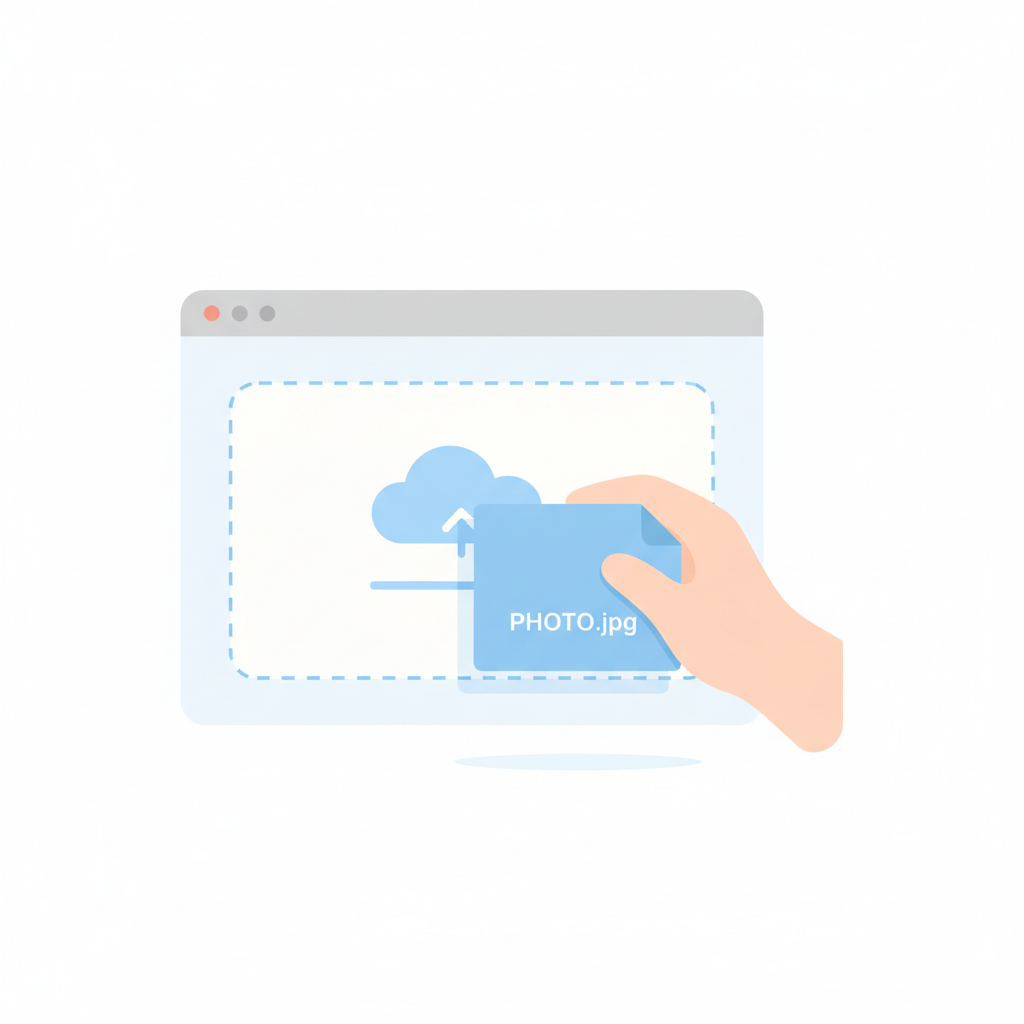
Drag and drop or select any JPG, PNG, or WebP image. No account required for your first five edits.

BOARD instantly identifies every distinct object: people, vehicles, signs, animals, furniture, and more.

Select any detected object. It disappears. The background fills in seamlessly. Download your clean photo.
AI identifies every object in your photo the instant it uploads. No manual outlining or brush painting.
Click a detected object. It vanishes. Background fills in naturally. That is the entire workflow.
Zero brushes, zero masks, zero layers. If you can click a mouse, you can use BOARD professionally.
From upload to finished edit in moments. No waiting, no processing queues, no batch delays.
Your edited photo retains the original resolution. No compression, no watermarks, no quality loss.
Browser-based. Works on desktop, tablet, and phone. No downloads, no installs, no updates.
| Capability | BOARD | Photoshop | Canva | Free Apps |
|---|---|---|---|---|
| Auto object detection | ✓ | ✗ | ✗ | ✗ |
| One-click removal | ✓ | ✗ | ✗ | ✗ |
| No learning curve | ✓ | ✗ | ✓ | ✓ |
| Full resolution output | ✓ | ✓ | ✗ | ✗ |
| No subscription needed | ✓ | ✗ | ✗ | ✓ |
| Under 10 seconds | ✓ | ✗ | ✗ | ✗ |
BOARD uses advanced AI to automatically identify every distinct object in your uploaded photo. No manual selection or brush tools needed.
Yes. You get 5 free credits to start. After that, credit packs are available at roughly $0.50 per edit.
Absolutely. BOARD detects people as objects. Click on a person and they are removed cleanly from the image.
Not at all. There are no brushes, masks, or layers. If you can click, you can use BOARD.
BOARD supports JPG, PNG, and WebP uploads. Your edited photo is returned in the same format at full resolution.
Most edits complete in under 10 seconds. Upload, click, done.
Join 150,000+ photographers who stopped fighting with brushes and masks. Five free edits. No signup. No credit card.
Remove Your First Object Free